Lean project management at the highest level. Plan and manage your projects using state-of-the-art technology.
Digital Excellence Lean Toolbox
Define a Project Process …
Key Points
Map your work packages in the form of high-level key points and thus determine what has to be completed by when and by whom. A key point describes a completed delivery object in the overall process of the project. The focus here is on end-time scheduling.
The process chain is spanned using predecessor and successor links. The individual activities within a key point are defined using process steps. These describe the operational activities that are necessary for fulfillment.
Free positioning
Linking with Working Current
View as table or Kanban Board
Free Keywording via Tags
Integrated Analysis
Simple Mass Processing
Planning Function via Drag & Drop
View for Process Steps
Lean End-Time Planning
Ensure Quality at Every Stage.
Quality-Gates
Quality gates in PCP represent higher-level checkpoints that describe a certain quality level of the project status.
Monitoring of these important points is always guaranteed via a dependent link to the key points.
Intelligent window technology for easy operation
Work packages with end-time planning for a clean lean approach
75% more efficient planning
Create Dependencies in Your Project.
Linking
The linking option gives you the opportunity to link all information in PCP together. This allows you to connect external information such as
standard documents from your SharePoint or link wiki pages or URLs to provide important information at the click of a button.
Intelligent window technology for easy operation
Work packages with end-time planning for a clean lean approach
Up to 75% faster Processing
Define Roles that have a Supporting Function
Contributors
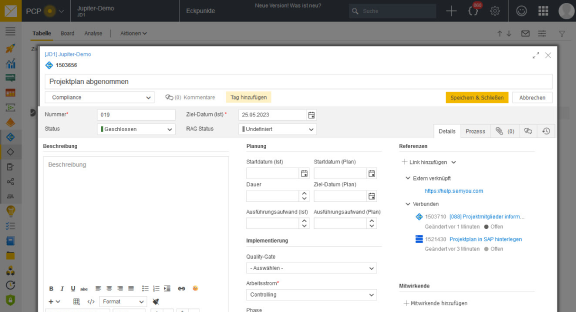
In addition to the actual responsibilities, it is possible to define additional contributing teams/roles for each key point.
This allows you to determine which team will provide support or supply, make decisions, or simply provide information.
Intelligent window technology for easy operation
Work packages with end-time planning for a clean lean approach
75 % effizientere Planung
Visualize Your Project Using a Map
Process Map
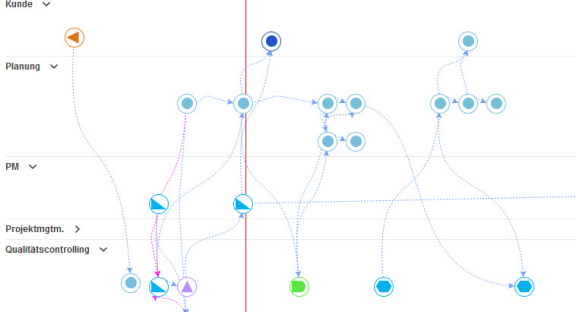
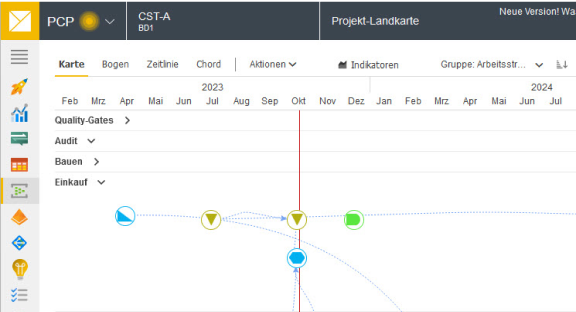
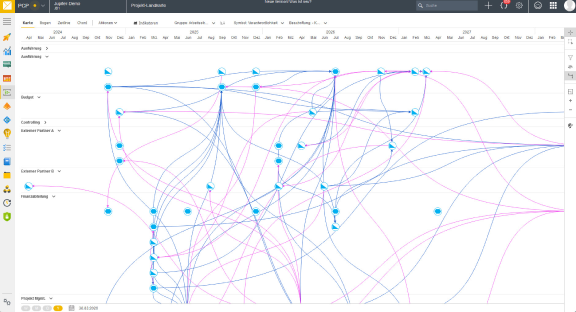
The complete project process is presented in the form of a project map. In a holistic overview, you have all the important information and know which work package has to be completed by which team and by what date.
The additional visualization of the dependencies means that the predecessors and successors are clearly marked and any delays can be quickly identified.
Intelligent window technology for easy operation
Work packages with end-time planning for a clean lean approach
75% More Efficient Planning
Achieve More Together.
Collaboration
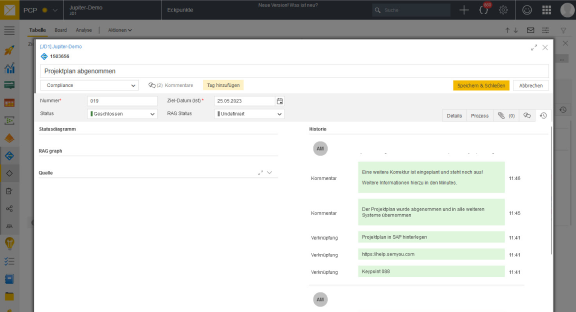
Collaboration is the focus of PCP. Simply add comments to any object at any time or mention other team members in descriptions so that they are automatically informed.
Intelligent window technology for easy operation
Work packages with end-time planning for a clean lean approach
75% More Efficient Planning
Seamless Consistency
Activity History
Project changes made by team members are recorded in the activity history and can be tracked at a later date.
This function is particularly helpful for larger teams and longer project durations in order to be able to track decisions.
Intelligent window technology for easy operation
Work packages with end-time planning for a clean lean approach
75% More Efficient Planning
Work Together as a Team
Table or Kanban Board
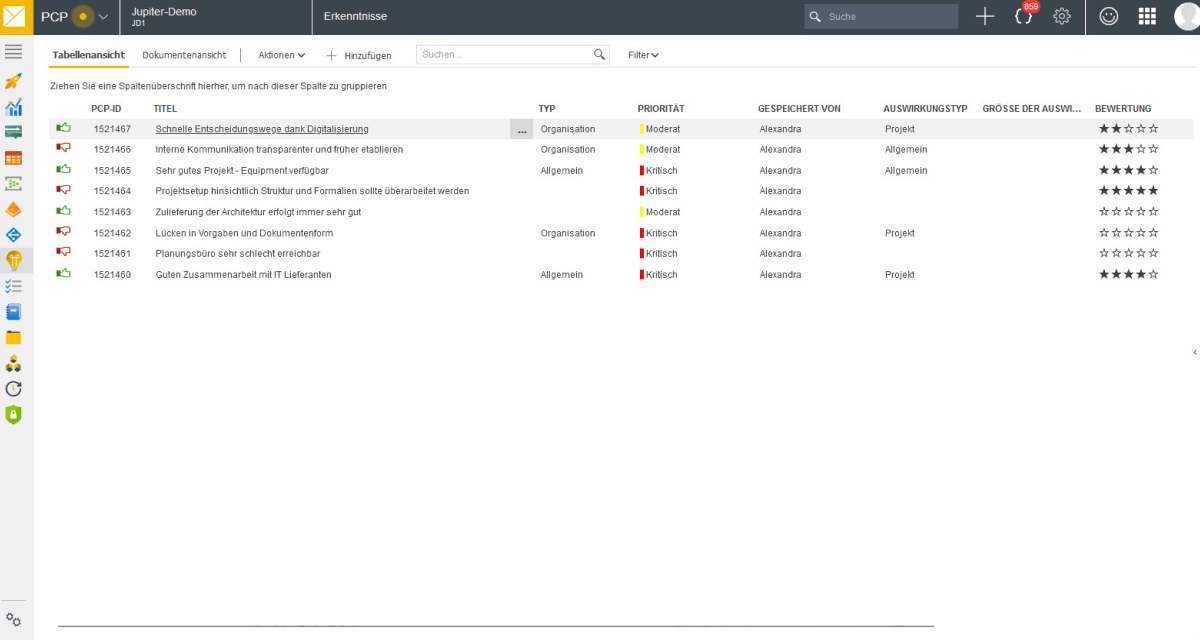
Depending on your needs, display your key points as a table or Kanban board. In each view, you can decide which information is displayed and edit it directly.
Using filters, you can limit the data to various criteria as required and always get the perfect view of the data.
Intelligent window technology for easy operation
Work packages with end-time planning for a clean lean approach
75% More Efficient Planning
Create Process Dependencies for Increased Quality
Dependencies
Dependencies are the central focus of the project process.
The dependencies on responsibilities, contributors or processes and successors can be visually displayed and easily edited using different views.
Intelligent window technology for easy operation
Work packages with end-time planning for a clean lean approach